

Bring touch to digital and robotic worlds
Force-feedback haptics, 3D input, and robotics workflow tools for simulation, 3D design, robotics, and physical AI, making complex interaction feel natural from the first touch.



PRODUCT FAMILY
Choose the right Haply solution
Explore Haply’s core haptic devices and robotics workflow platform, designed to help teams bring touch, control, and precision into digital, simulated, and robotic environments.
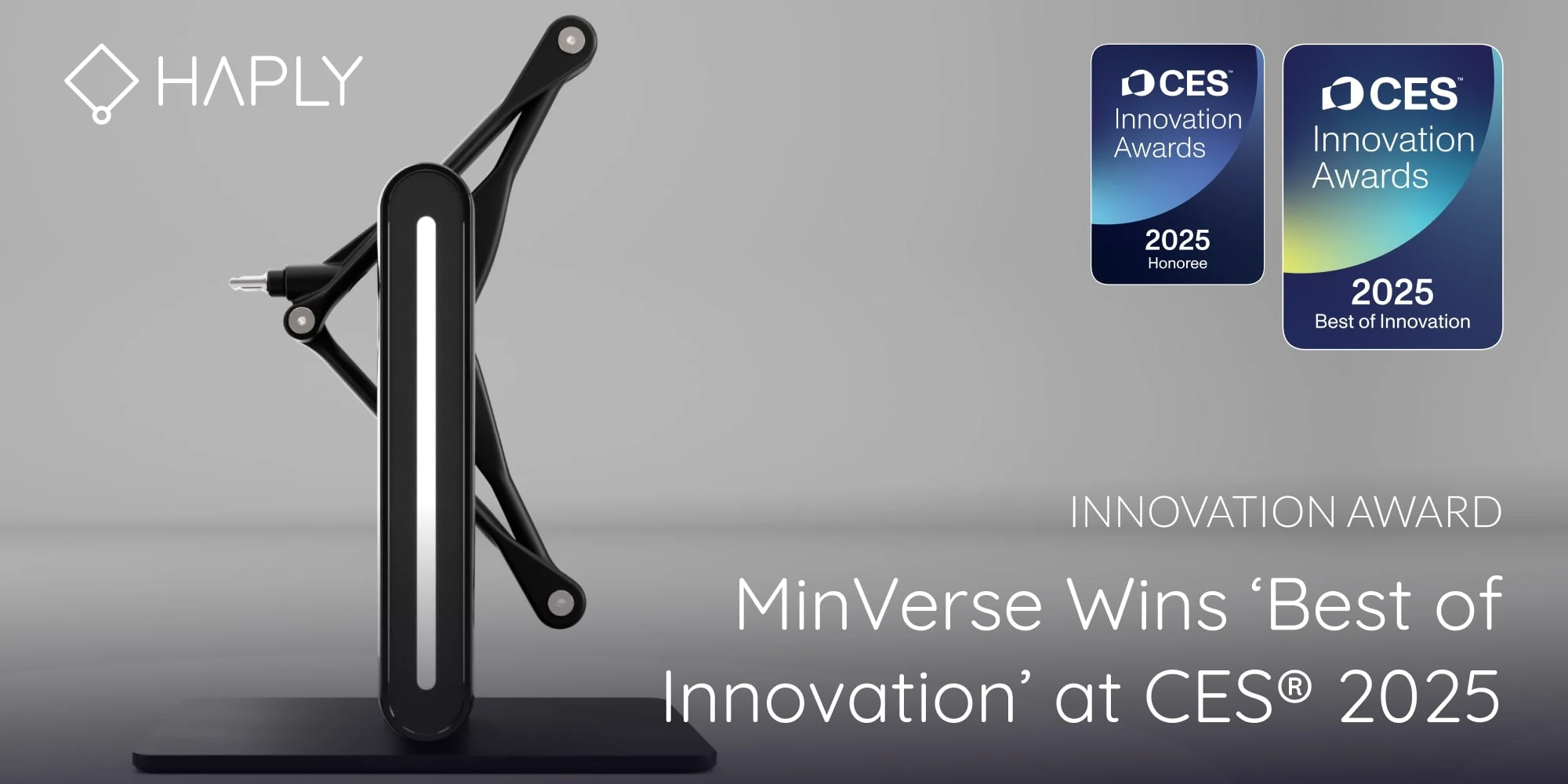
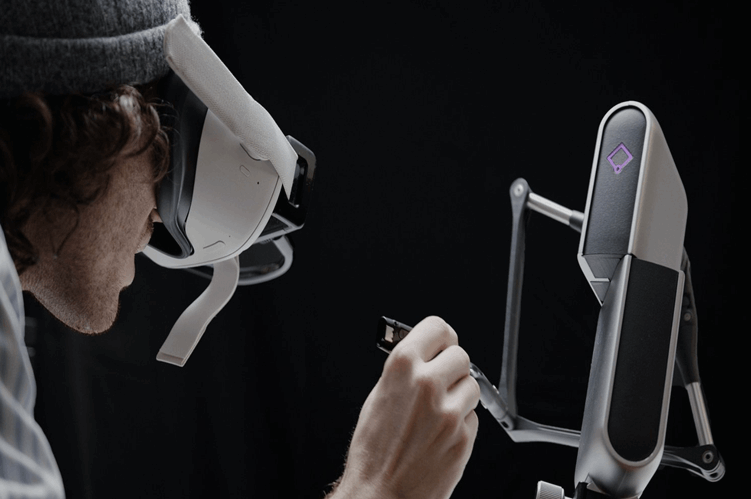
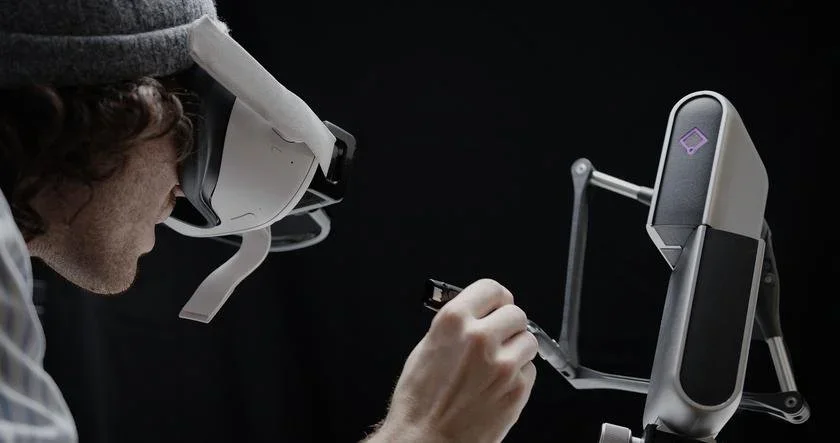
Inverse3
Precision force-feedback control for robotics, simulation, research, training, and medical workflows.
0.01 mm position resolution · 4 kHz haptic refresh · up to 10 N output force · pairs with VerseGrips, VerseMounts & HARP.
View Inverse3
Inverse3x
Enterprise-grade force feedback for advanced robotics and demanding R&D.
≥0.01 mm resolution · ≥4 kHz refresh · >10 N force · 5× stiffness vs Inverse3 · onboard touchscreen & auto-calibration.
View Inverse3x
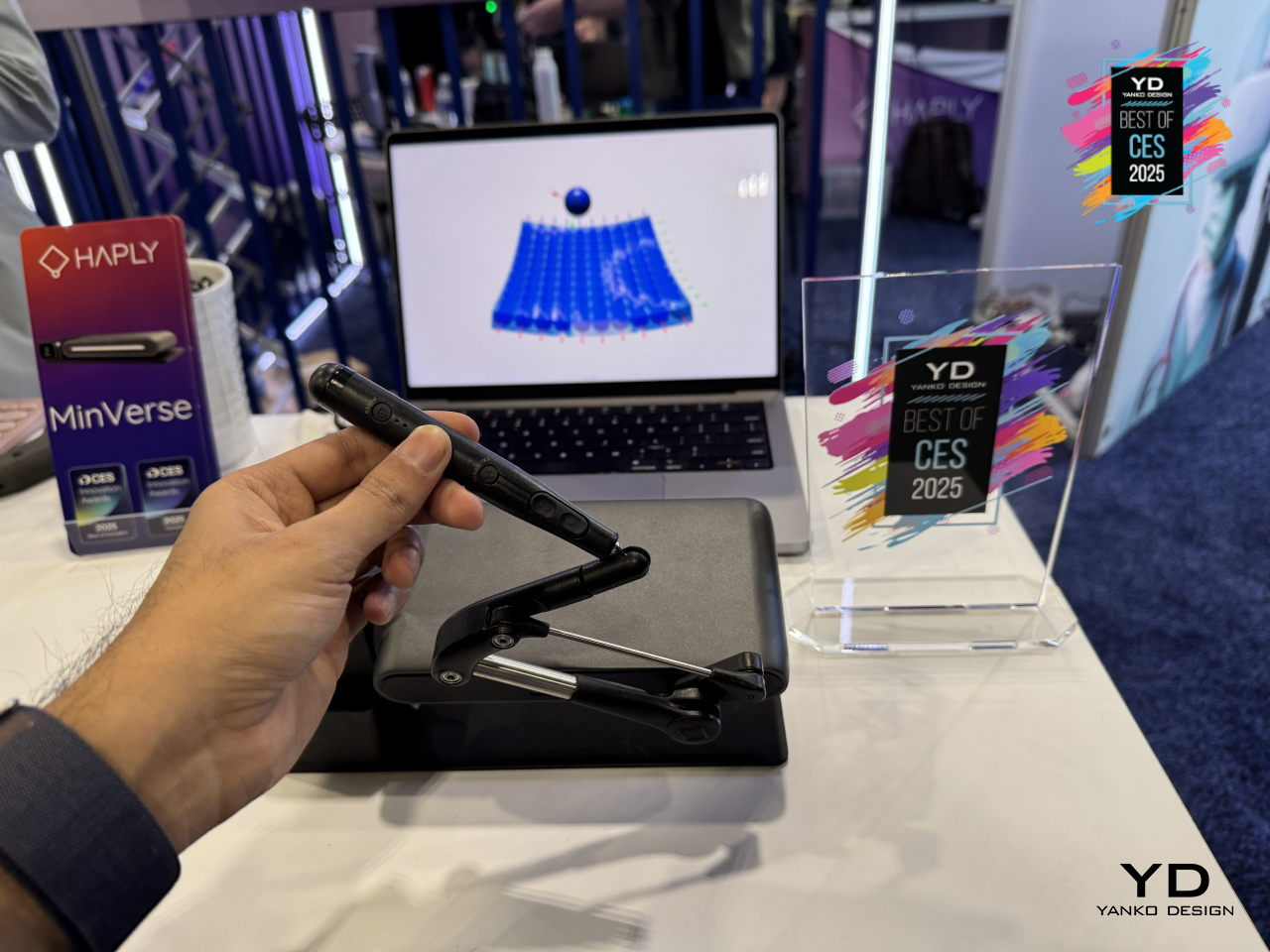
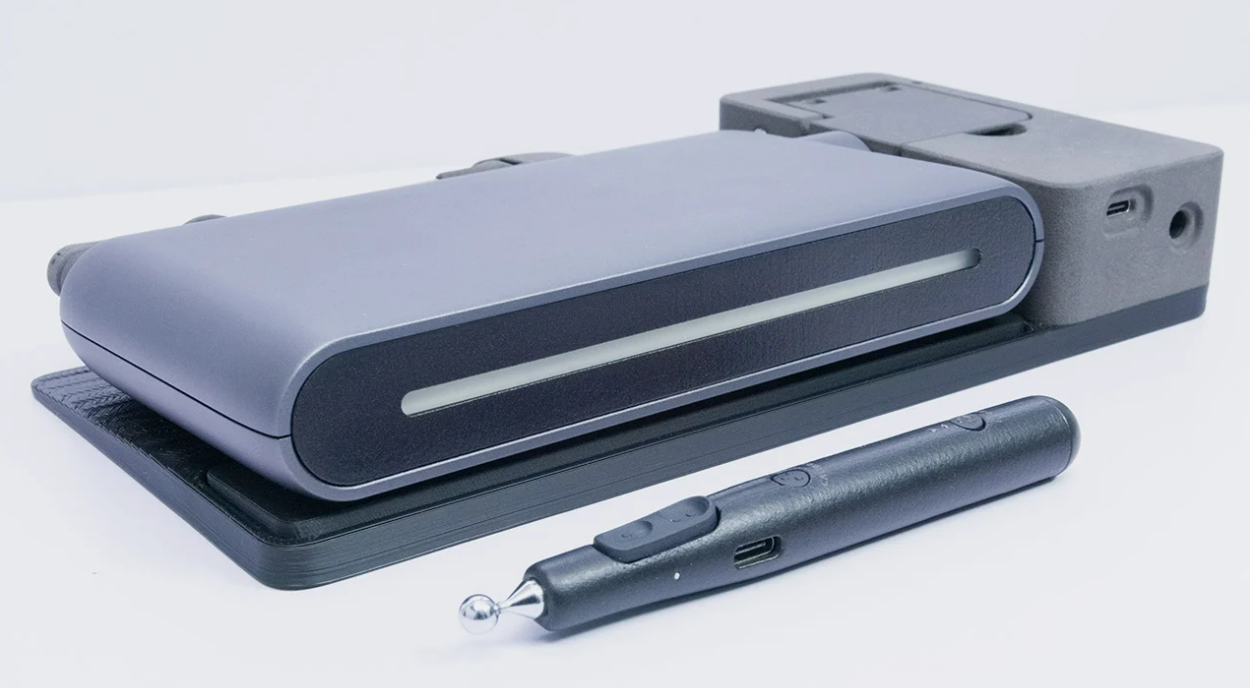
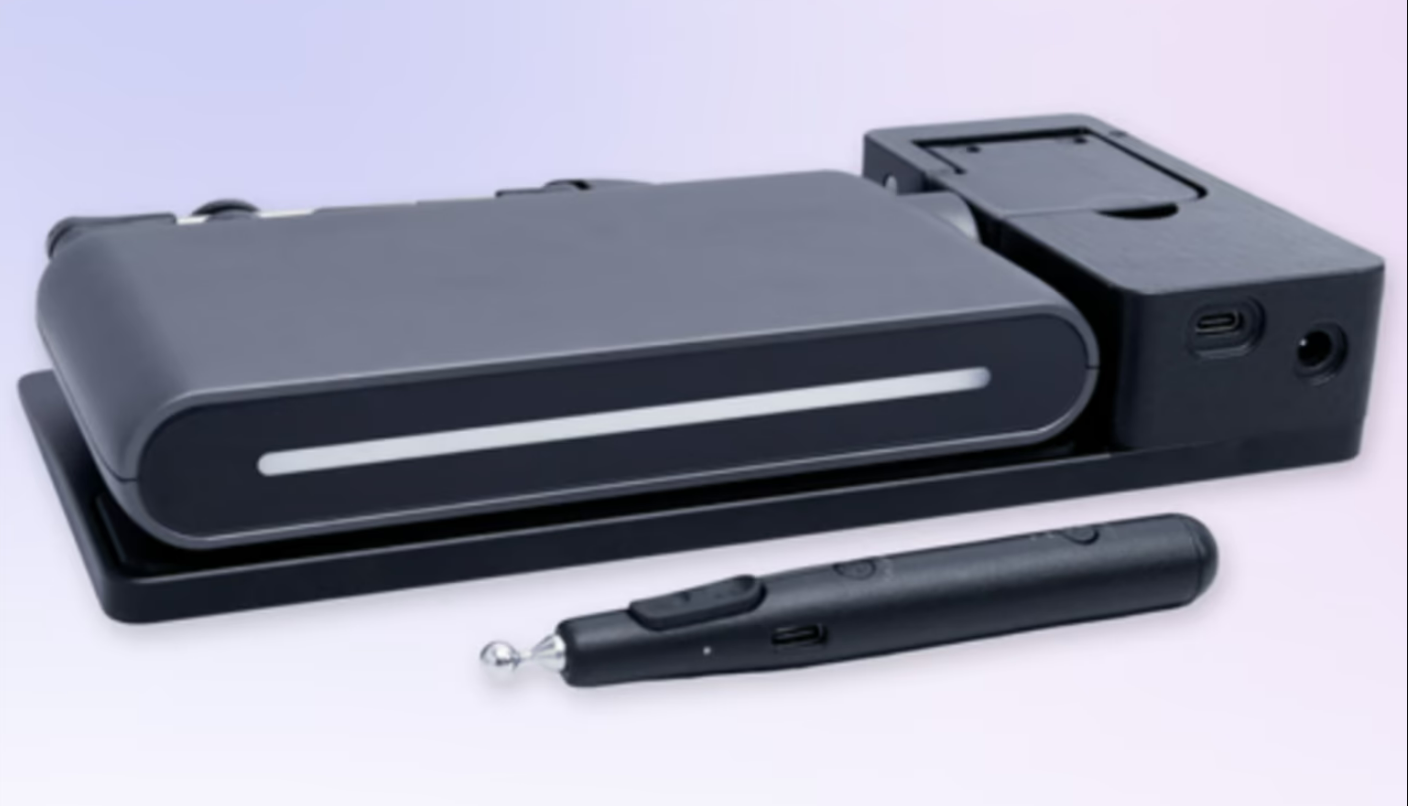
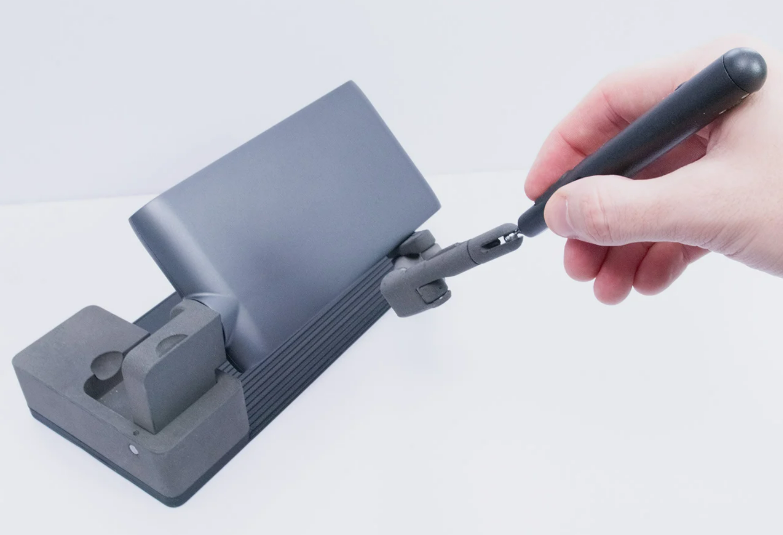
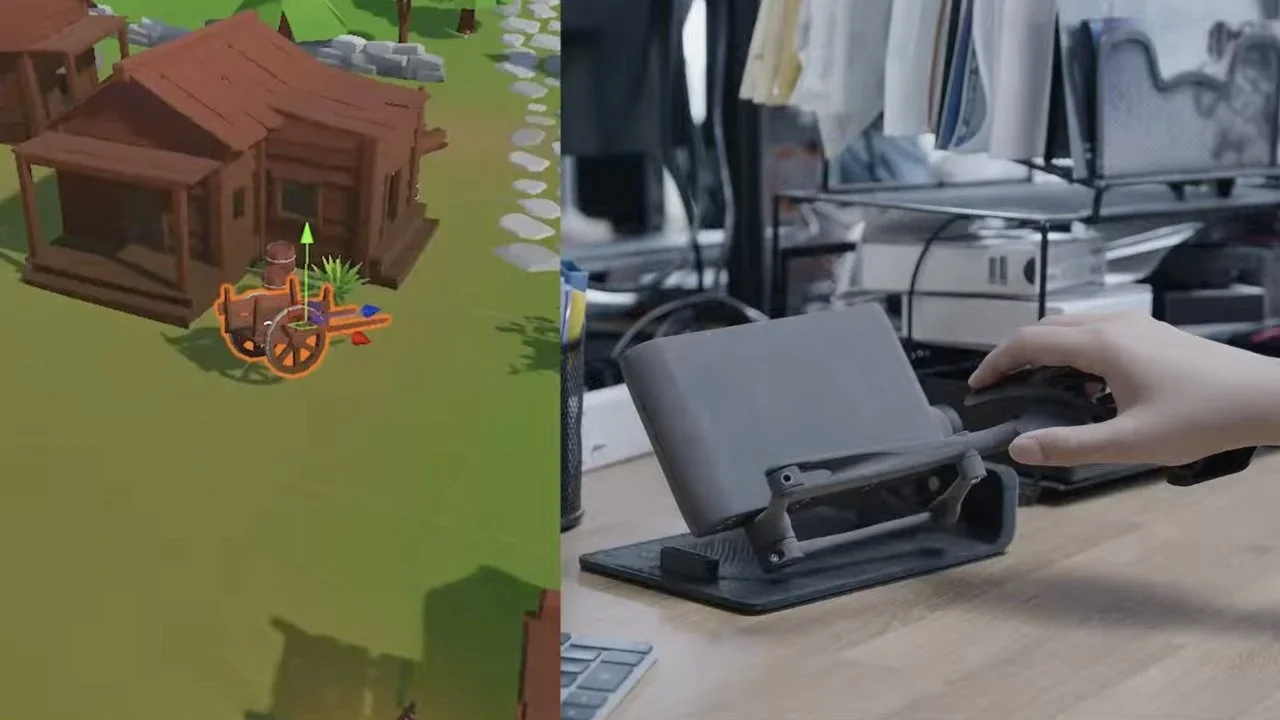
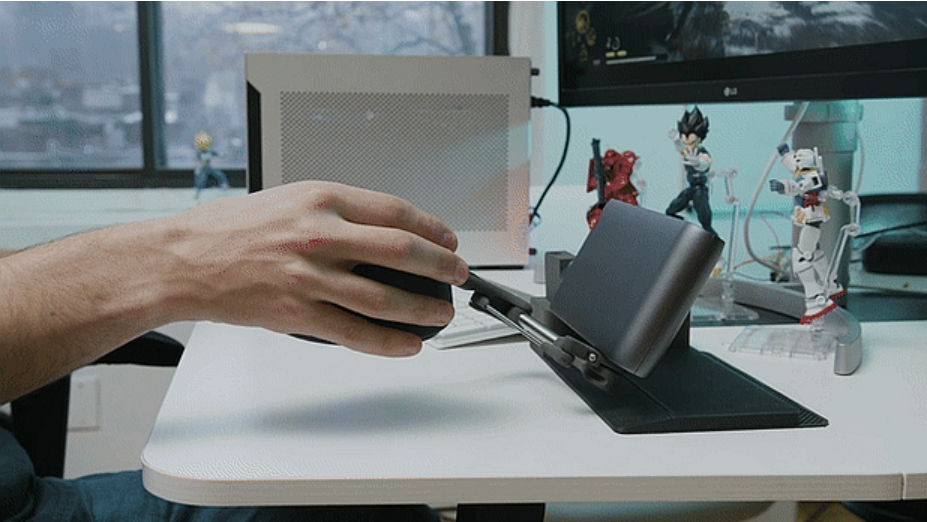
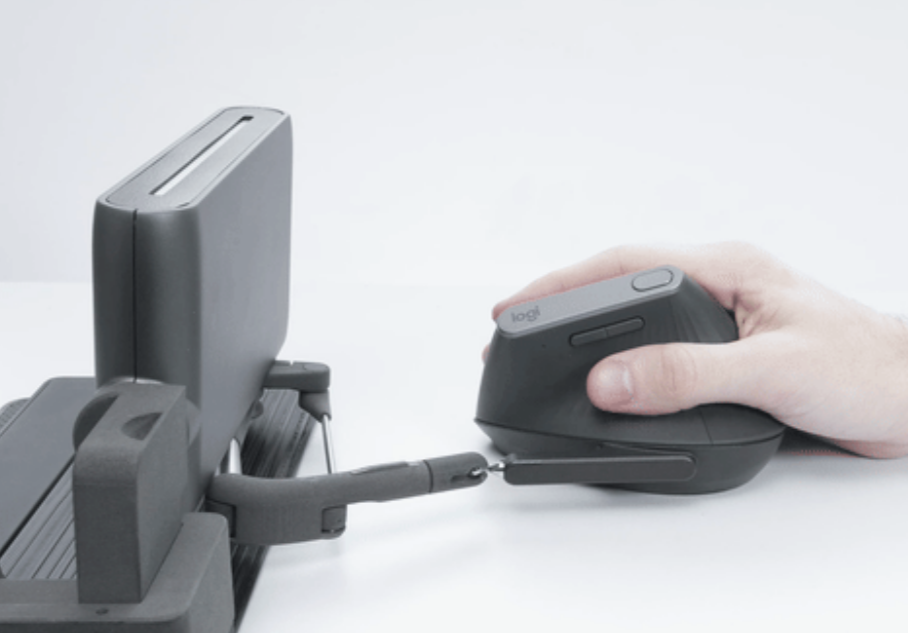
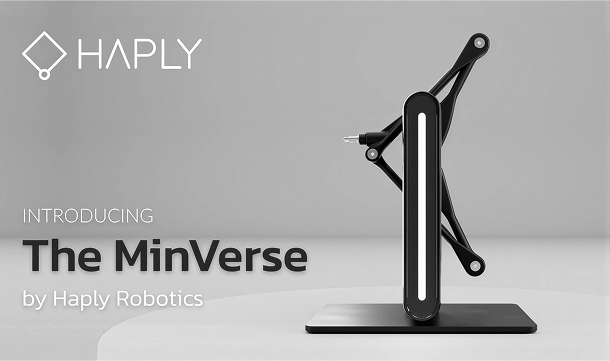
MinVerse
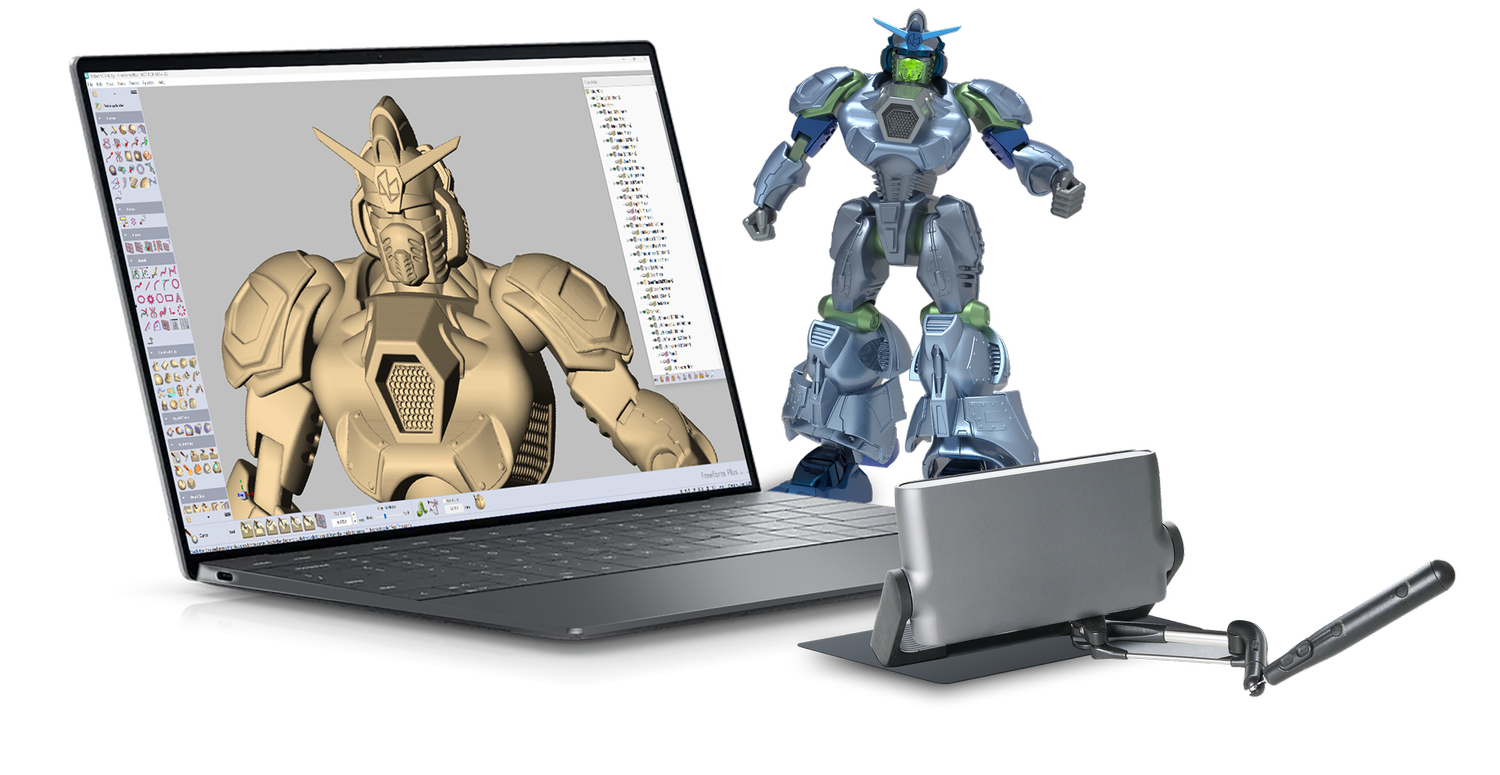
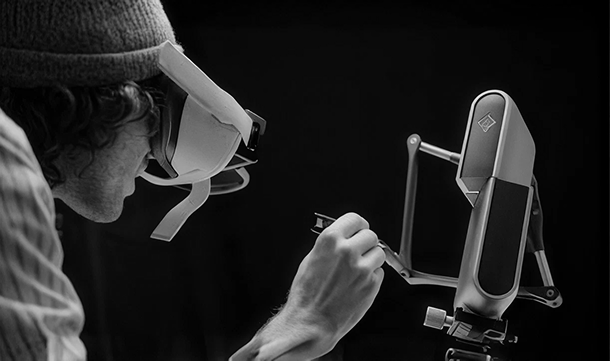
Portable haptic 3D input for designers and sculptors, built for Geomagic Freeform.
3D position + rotation input with force feedback · 0–4 N output · folds to 240 × 120 × 40 mm.
View MinVerse
HARP
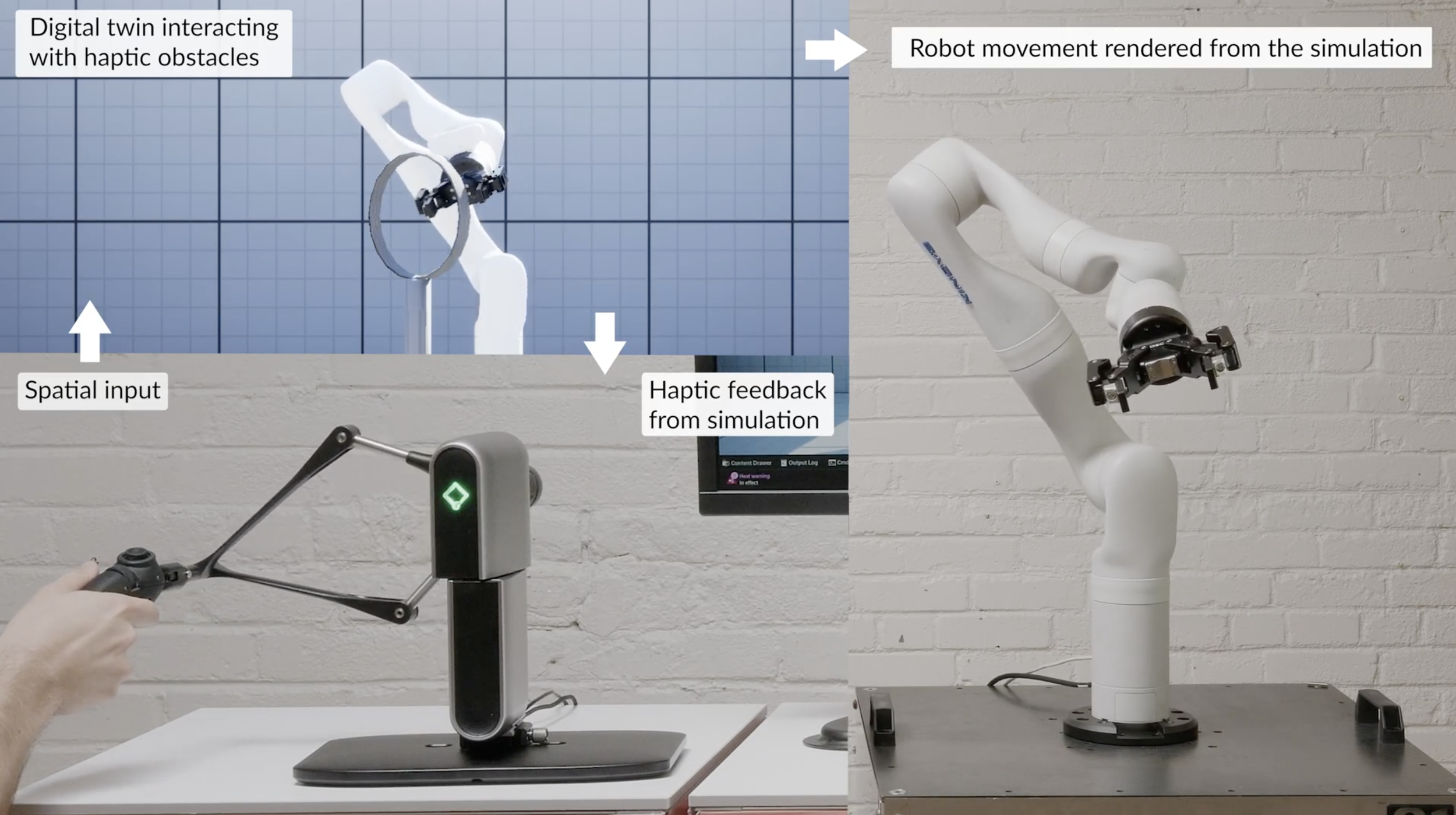
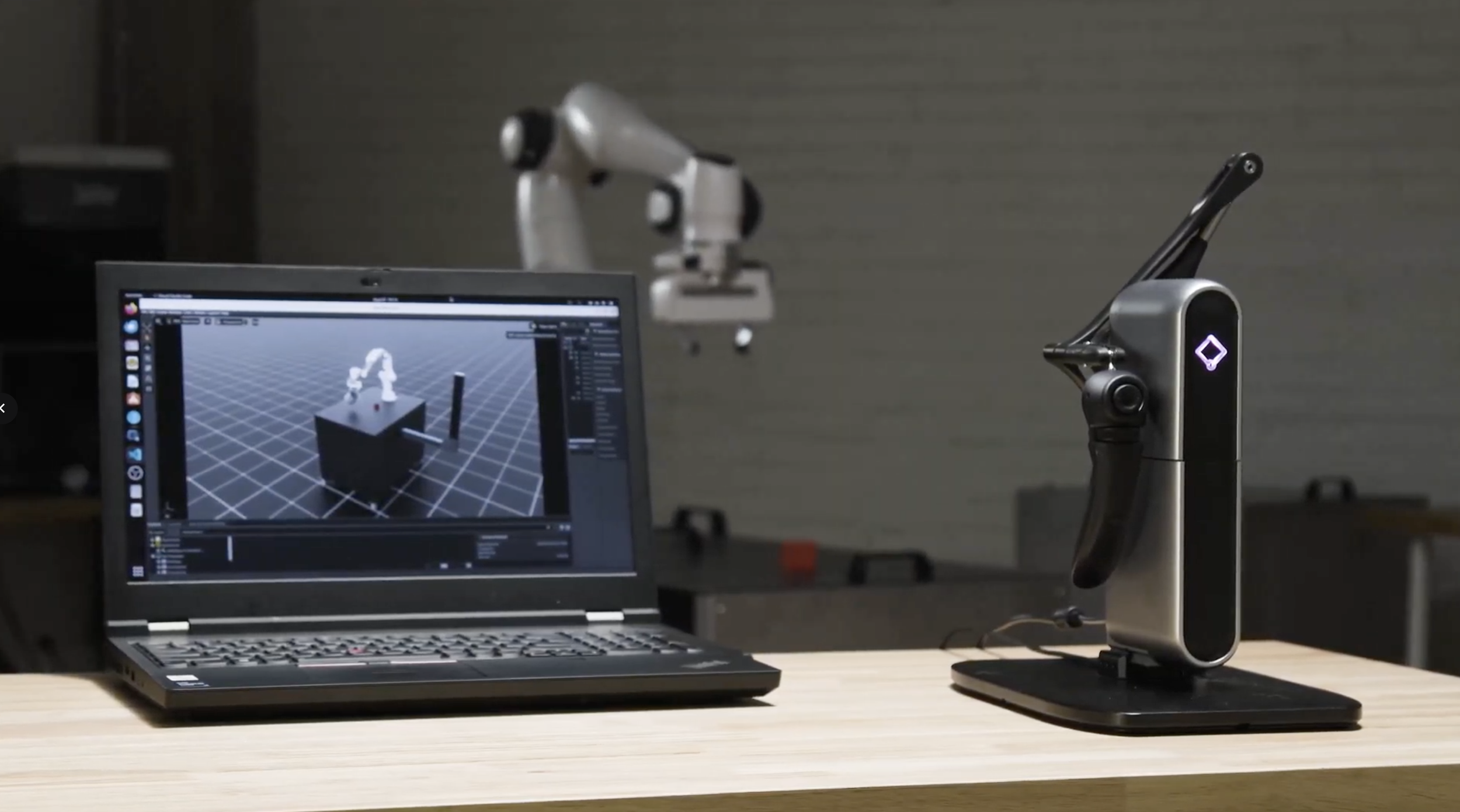
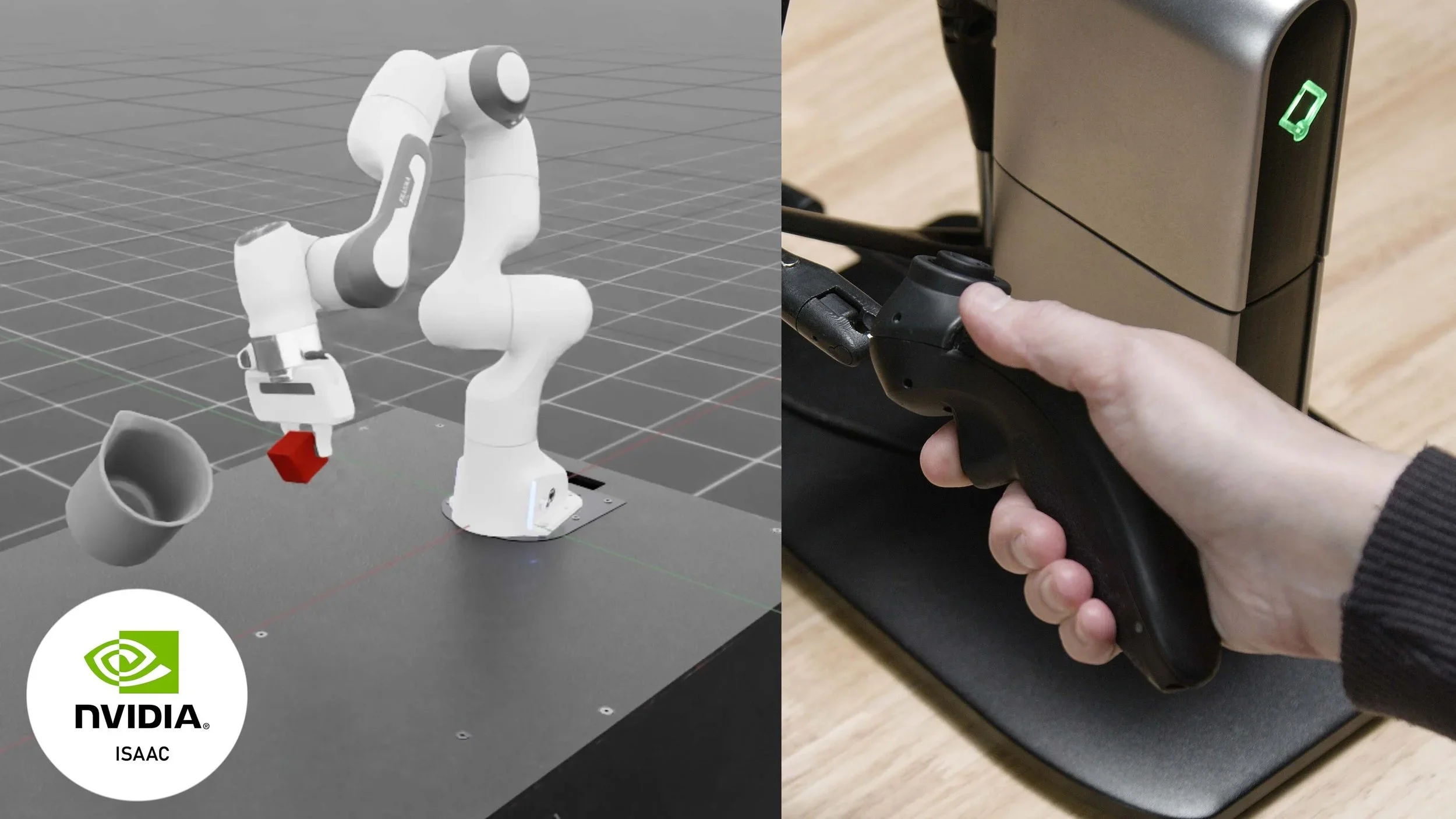
The Human Advanced Robotics Platform connects Haply's haptic controllers to real robots, so you can guide them by hand, record and replay precise motion, and train physical AI from human demonstration.
View HARP
HOW HAPTIC FEEDBACK WORKS
What is haptic force
feedback?
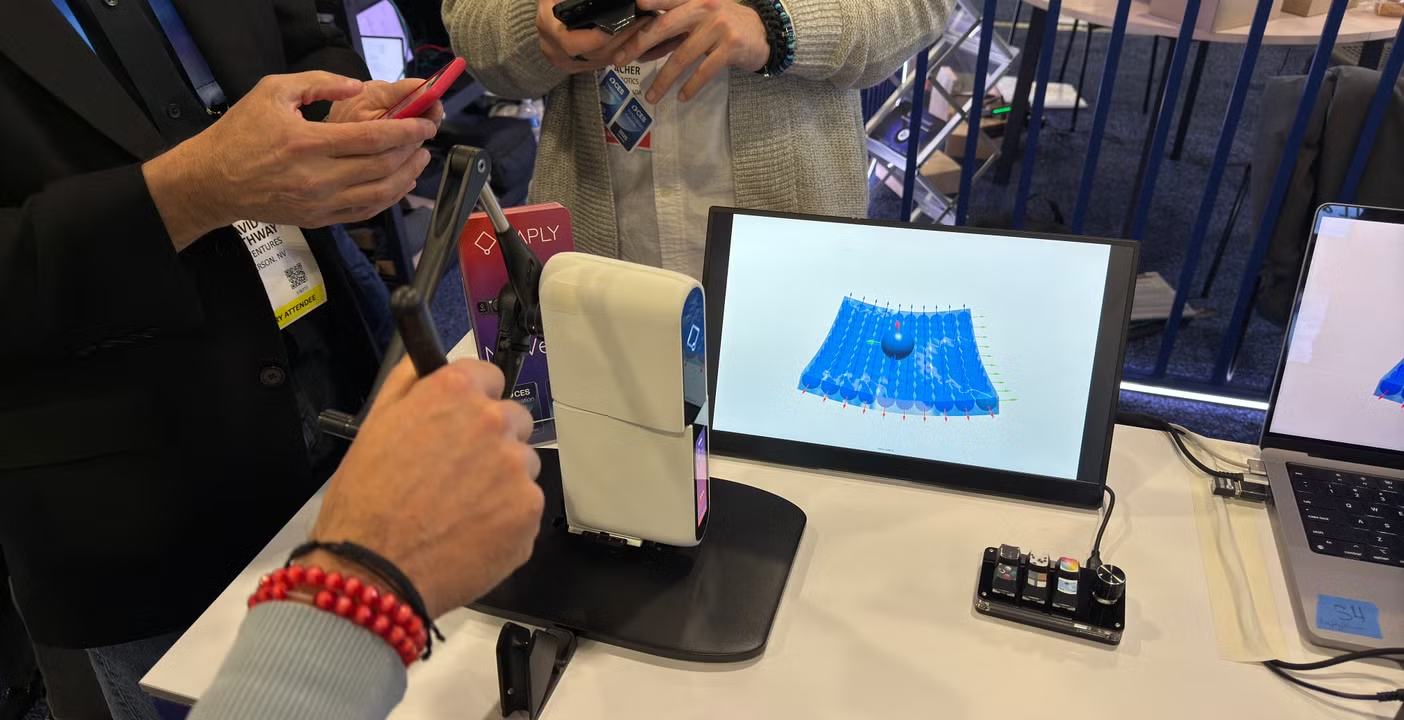
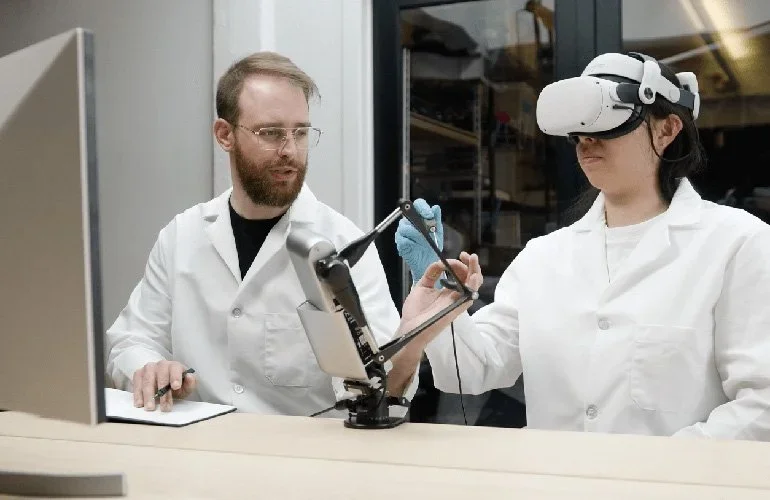
Force-feedback haptics allow users to feel digital, simulated, and robotic interactions through physical cues such as resistance, texture, pressure, and contact. As you move a Haply device, software or a robot responds with force feedback in real time, making virtual objects, tools, and remote systems feel more physical.
You Move
A Haply device tracks your hand movement in 3D space
Software Responds
A simulation, physics engine, or robot system calculates the interaction force
You Feel It
The device pushes back with resistance, texture, pressure, and contact
Physical Interaction
Use touch alongside vision to control, train, design, or interact in 3D
FORCE FEEDBACK VS. OTHER INTERACTION METHODS
Why force feedback, and why Haply
Different interaction methods provide different kinds of feedback. Force feedback goes further by creating a physical response you can feel as you interact with a digital or robotic system.
| What you can feel | Standard input Mouse, keyboard | Visual simulation On-screen only | Vibration haptics Buzz & pulse | Haply Force feedback Directional force |
|---|---|---|---|---|
| Continuous, directional force Push that changes with movement | Can't | Can't | Can't | Fully delivers |
| Physical resistance Weight, friction, push-back | Can't | Can't | Can't | Fully delivers |
| Contact & collision The moment you touch something | Can't | Approximates it | Approximates it | Fully delivers |
| Texture Surface detail under the tool | Can't | Approximates it | Approximates it | Fully delivers |
| Motion guidance Being steered toward a path | Can't | Can't | Can't | Fully delivers |
| Real-time system response Feeling how a system reacts back | Can't | Can't | Approximates it | Fully delivers |

FROM FIRST TOUCH
Haply makes touch a natural way to work with digital and robotic worlds. Our product family brings together haptic 3D input, precision force feedback, and robotics workflow tools. It is approachable from the first touch, yet precise enough for simulation, robotics, and physical AI. From classrooms and studios to labs and advanced technical teams, Haply helps more people feel, control, and shape what was once out of reach.
USE CASES
Find your workflow
Navigate by workflow, not product
Force feedback for procedural, vocational, VR, simulation, and hands-on technical training
LATEST UPDATES
What’s new at Haply

![AI with a sense of touch. Overcoming spatial limitations for remote surgery, factory control, etc. [CES 2025]](https://images.squarespace-cdn.com/content/v1/67ae1b06a3d57f0118cec557/1783711526446-Y0DMZ3DRJVTY04AIOCGA/20250107010702271760011_b.webp)









TRUSTED BY TECHNICAL TEAMS
Trusted by teams pushing the edge of physical interaction
Haply works with teams exploring new ways to bring touch, precision, and control into robotics, simulation, training, and 3D workflows.
Robotics and automation
Robotics and automation teams use Haply to explore more intuitive ways to control, train, and automate physical systems.
Skills training & simulation
Training and simulation teams use force feedback to bring tactile realism into digital learning environments.
3D design and research
Designers, researchers, and technical teams use haptic input to interact with digital objects in more physical ways.
REAL-WORLD APPLICATIONS
See how Haply is being used
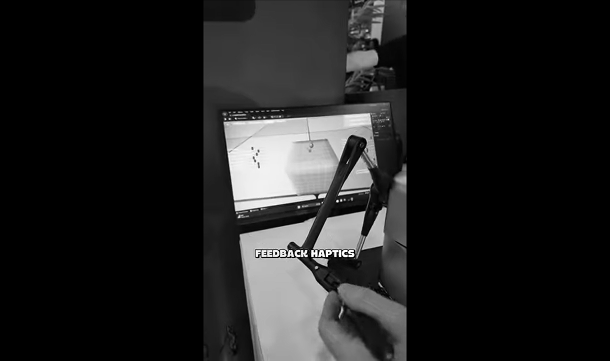
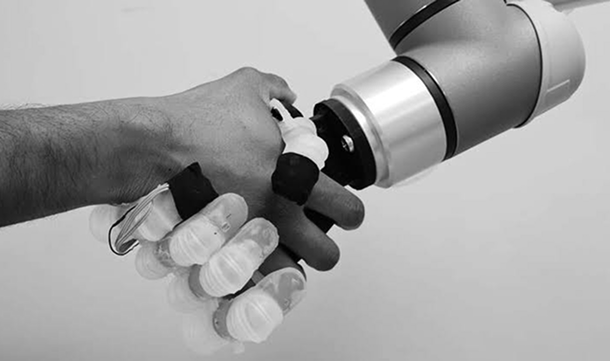
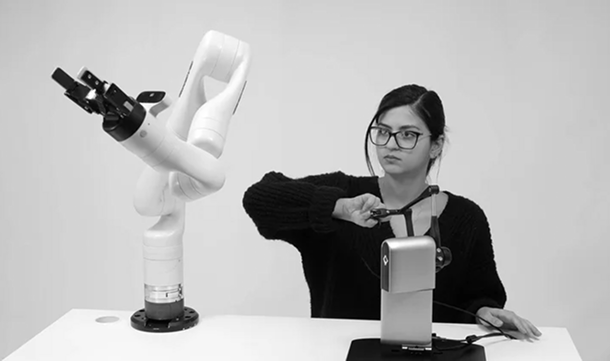
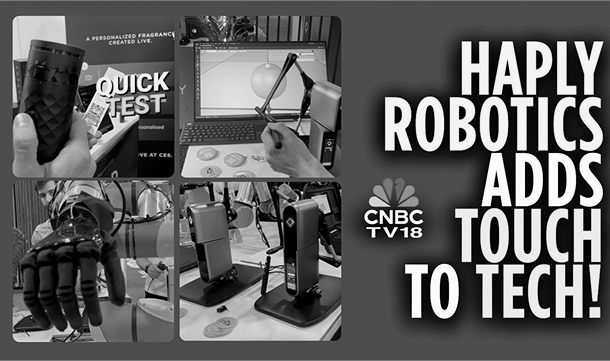
Explore demos, product updates, and application stories showing how haptics is being applied across robotics, simulation, healthcare, and 3D design.
EVENTS
Experience force-feedback haptics live
Meet us at upcoming events to try live demos, ask product questions, and discuss robotics, simulation, automation, or 3D design workflows.
Meet Haply at RoboBusiness 2026
Booth TBD
Focus: Physical AI, teleoperation & robot control
Meet Haply at ADM Montreal 2026
Booth TBD
Focus: robotics, automation & human-machine interaction
Ready to feel it in action?
Talk to our team about your robotics, simulation, or design workflow.